Lumina Pro - Mosaic Sanctuary
Status: 🟢 LIVE
Stack: Gemini 1.5 Pro Firebase React PWA
Links: Launch App ↗
1. The High-Level Pitch
Lumina Pro is a minimalist sanctuary for daily gratitude and deep reflection, designed to build a "living visual mosaic" of your life over time. It's an "Anti-Social Media" platform for your most personal thoughts—a private, beautiful space to capture the "golden moment" of your day. Instead of broadcasting your life to others, Lumina Pro uses AI to help you understand the emotional resonance of your own experiences, turning your daily entries into a searchable, aesthetic tapestry of your personal history.
2. Problem Statement
In a world obsessed with performative sharing and algorithmic feeds, our most meaningful personal moments are often lost in the noise. We fragment our lives across various platforms, leaving no central, private space for deep introspection or recording genuine gratitude. Traditional journaling apps can feel like a chore or a blank void, lacking the structure to guide reflection or the beauty to make the process feel rewarding. Users are left with scattered digital footprints but no cohesive narrative of their inner life.
3. Product Overview (The Solution)
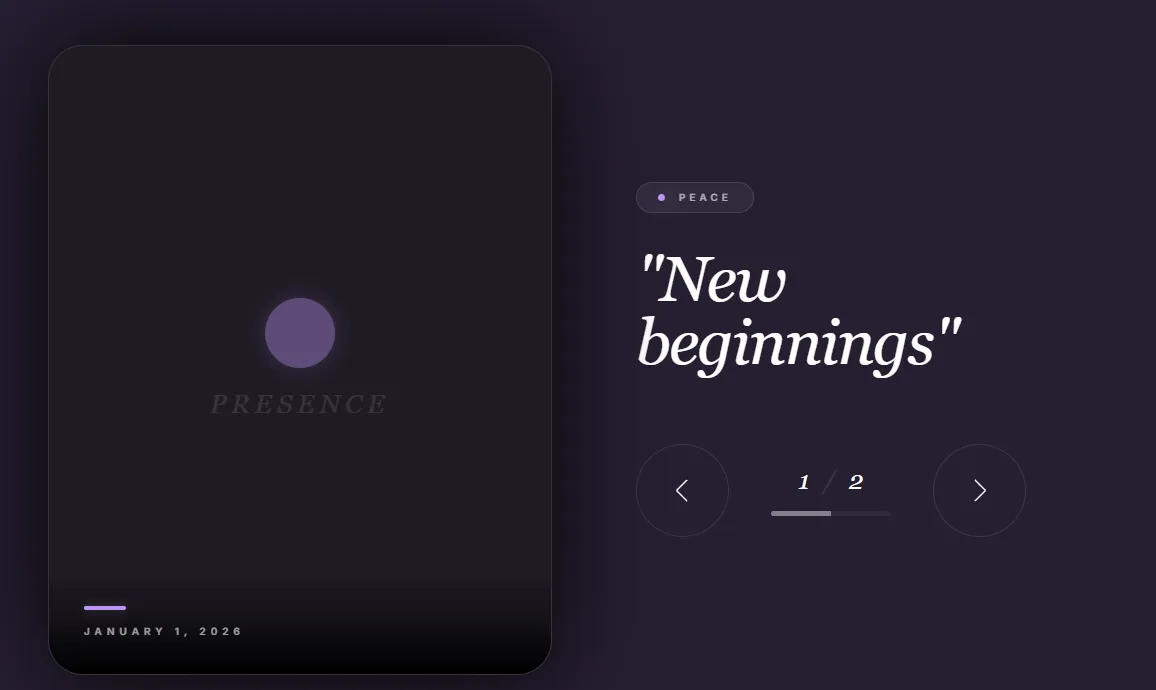
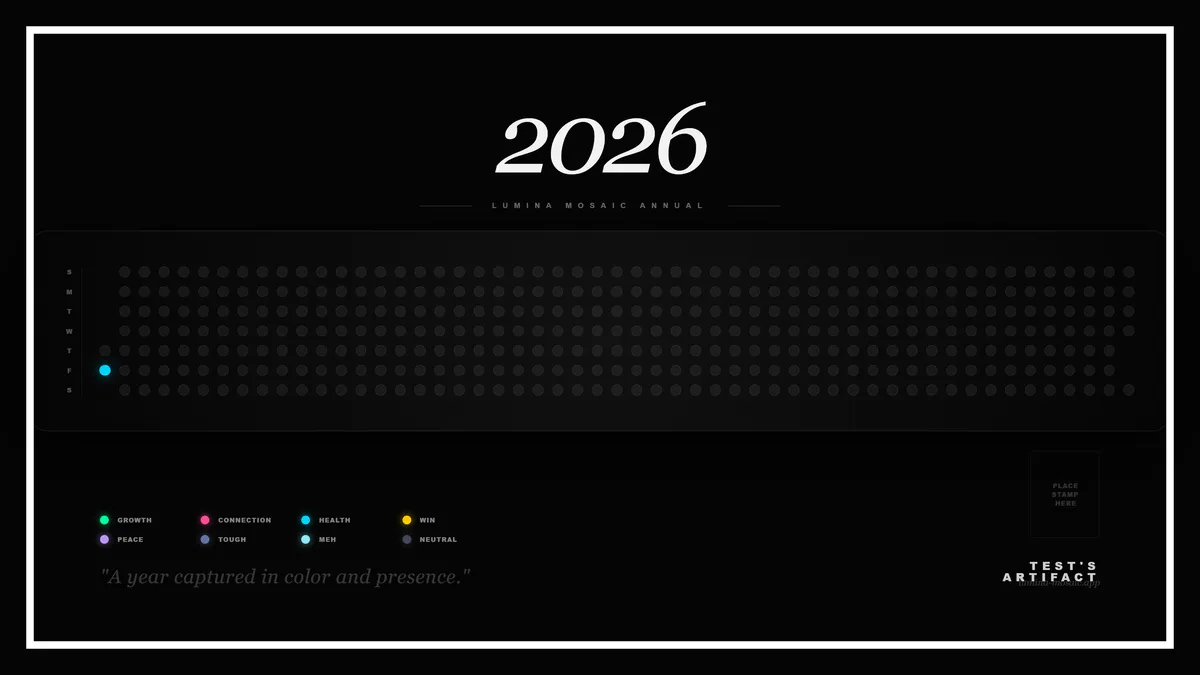
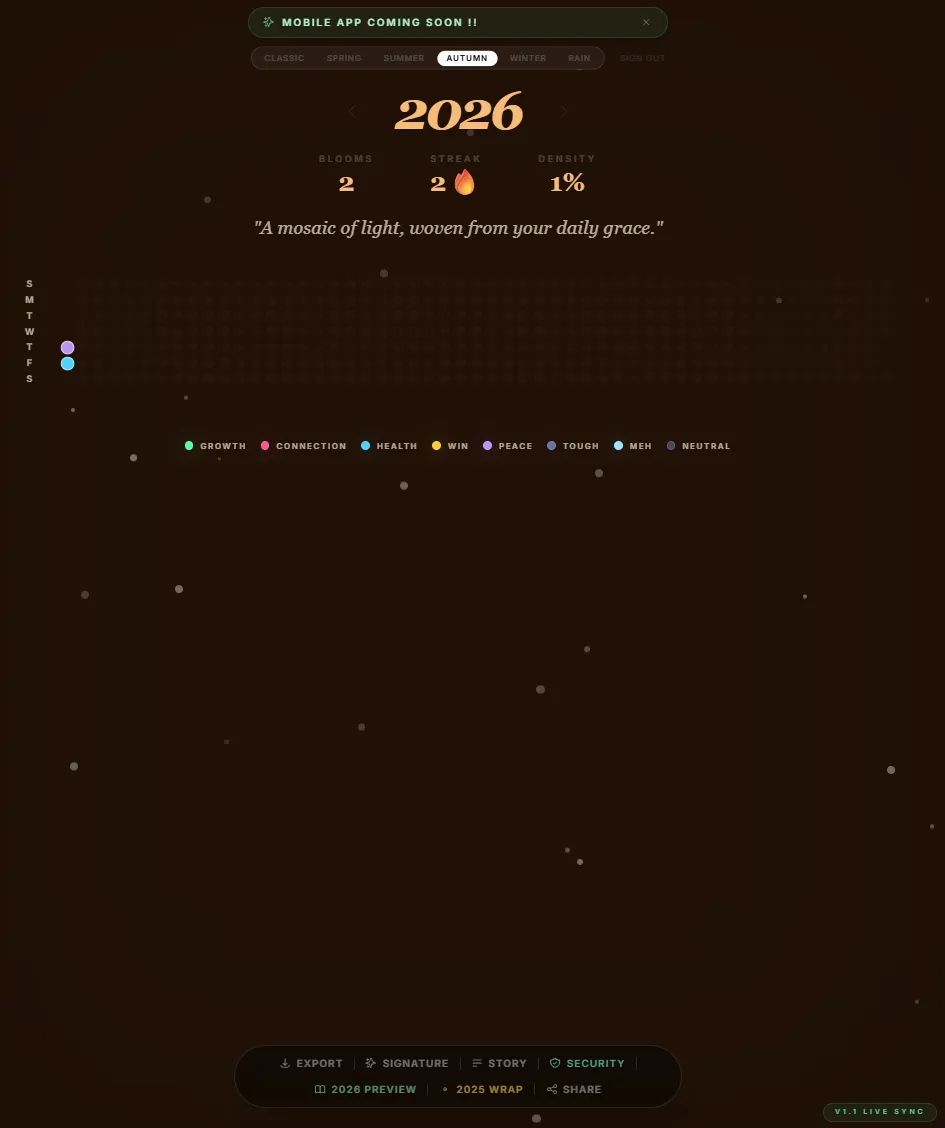
Lumina Pro reimagines journaling as an act of aesthetic creation. It's a Progressive Web App (PWA) that combines the simplicity of a micro-journal with the power of AI to create a beautiful, living record of your year. Each day, you are prompted to capture one "golden moment"—a single photo and a brief reflection. Google Gemini 1.5 Pro then analyzes your entry to determine its emotional "Aura" and colors a corresponding tile in your personal "Golden Grid." Over time, this grid becomes a vibrant, glowing mosaic of your life's emotional landscape.
4. Key Features
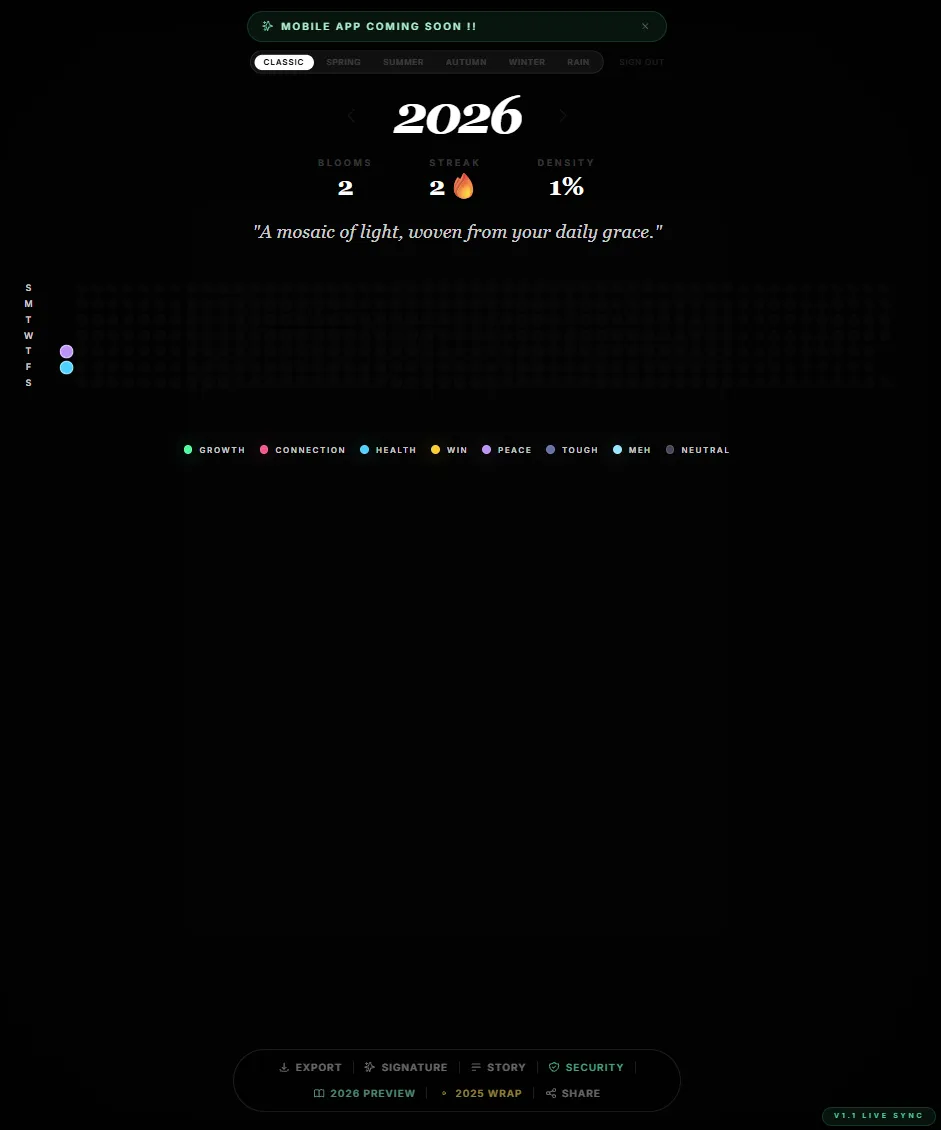
- The Golden Grid: A visually stunning 7x53 calendar grid that serves as the central dashboard. Each day is a tile that glows with a specific color representing the "Aura" of your entry. It's a single-view tapestry of your year's emotional journey.
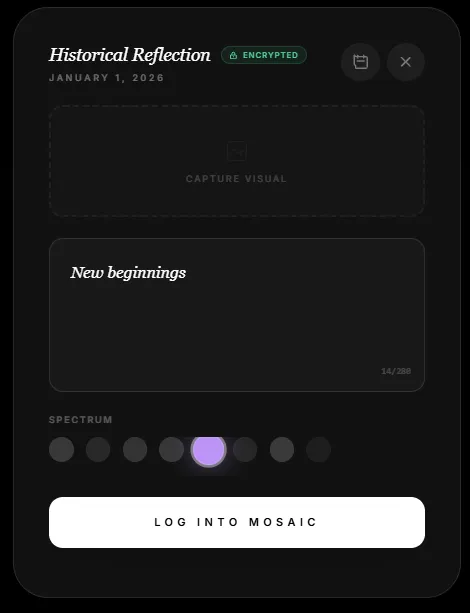
- Micro-Journaling with AI Resonance: A focused entry system that encourages brevity and depth. You provide a photo and a text reflection (capped at 280 characters). Gemini AI analyzes the sentiment and suggests an "Aura" (e.g., Peace, Growth, Connection, Adventure) to categorize the memory, adding a layer of emotional intelligence to your journal.
- Historical & Retroactive Logging: The ability to click on any past date in the grid to log a missed memory. The interface contextually shifts to "Historical Reflection" to distinguish it from today's "Golden Moment," allowing you to build a complete narrative even if you miss a day.
- Atmospheric & Thematic Immersion: A deeply immersive UI with selectable themes (CLASSIC, SUMMER, RAIN) that change the background, color palette, and ambient effects (like floating particles or falling rain). The entire experience is overlaid with a subtle film grain for a tactile, premium feel.
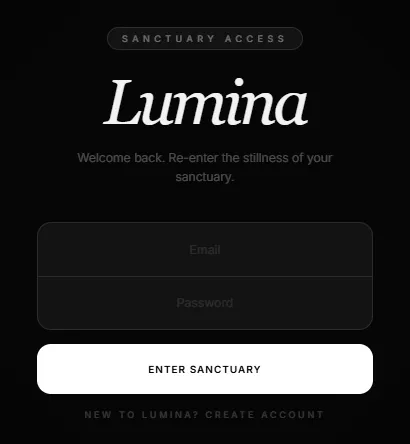
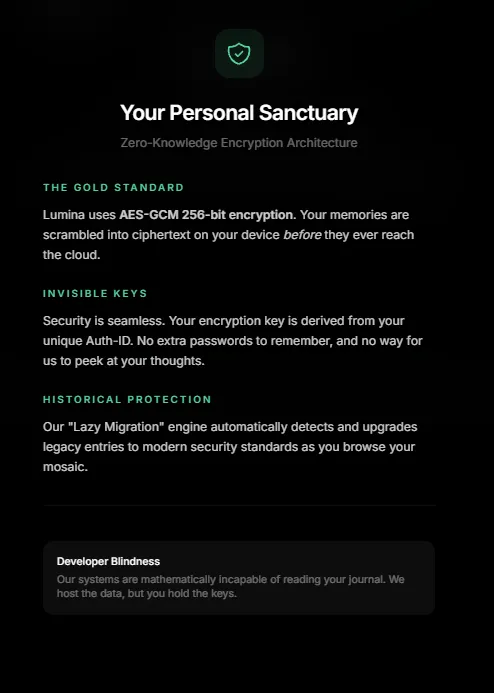
- Private & Secure by Design: Built on Firebase with user authentication, ensuring that your mosaic is a private sanctuary accessible only to you. Your data is securely stored and synced across devices.
- PWA for Native-Like Experience: Designed to be installed on your home screen (iOS & Android) for a full-screen, app-like experience without the need for an app store download. It includes custom icons and splash screens for a polished feel.
5. How to Install Lumina Pro (Mobile)
Lumina Pro is a Progressive Web App (PWA), designed to be installed directly from your mobile browser for a full-screen, native app experience. No App Store download is required.
Apple iOS (iPhone & iPad)
- Open Safari and navigate to the Lumina Pro website URL.
- Tap the Share icon (the square with an arrow pointing up) at the bottom of the screen.
- Scroll down the share menu and tap "Add to Home Screen".
- You will see the Lumina Pro icon and name. Tap "Add" in the top-right corner.
- The app icon will now appear on your home screen. Tap it to launch Lumina Pro in full-screen mode.
Android
- Open Chrome and navigate to the Lumina Pro website URL.
- You may see a prompt at the bottom of the screen asking to "Add Lumina to Home screen". Tap it.
- If the prompt doesn't appear, tap the three-dot menu icon in the top-right corner of the browser.
- Select "Add to Home screen" or "Install app" from the menu.
- Confirm by tapping "Install" or "Add automatically".
- The app icon will appear on your home screen and in your app drawer. Tap it to launch Lumina Pro.
6. Target Market: Use Cases & Personas
Primary Use Case: An individual seeking a private, low-friction way to practice daily gratitude and build a meaningful, visually beautiful record of their life.
Target Personas:
- Persona 1: The "Mindful Minimalist"
- Goals: "I want to build a consistent gratitude habit without it feeling like a burden. I value aesthetics and simplicity."
- Pain Points: Finds traditional journaling too time-consuming; overwhelmed by complex apps with too many features; appreciates well-designed, calm digital spaces.
- Persona 2: The "Memory Keeper"
- Goals: "I want to capture the small, meaningful moments of my life so I can look back on them later. I love the idea of a visual timeline."
- Pain Points: Has photos and thoughts scattered across different apps; struggles to organize personal memories into a cohesive story; wants a private alternative to social media for personal reflection.